

Beginner’s Guide to Crypto Wallet Security: 9 Tips to Stay Safe in 2026
Your crypto is only as safe as your wallet. This beginner’s guide explains hot vs cold wallets, why your seed phrase is sacred, how phishing attacks actually happen, and simple steps to avoid losing everything. No technical degree required.
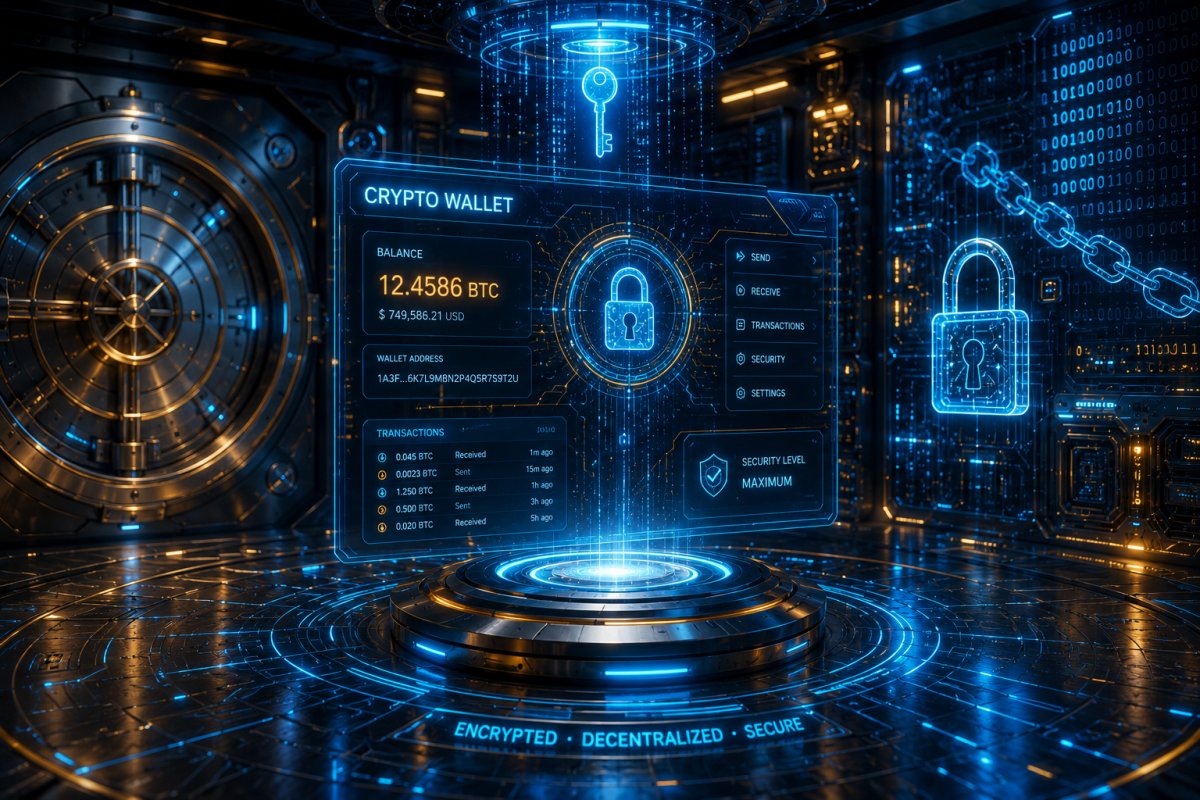
Beginner’s Guide to Crypto Wallet Security: 9 Tips to Stay Safe in 2026
“Not your keys, not your coins.”
You’ve heard that phrase a hundred times. But what does it actually mean for someone who just bought their first £50 of Bitcoin?
I’ve been in crypto since 2017. I’ve helped friends recover hacked accounts, watched a colleague lose $12,000 to a fake “support” phone call, and seen the relief on a beginner’s face when they finally understand what a seed phrase is. This guide is for that person.
Let’s cut through the jargon and fear. Crypto wallet security isn’t complicated. But it is unforgiving. One small mistake can cost you everything. The good news? Most attacks are easily preventable once you know what to look for.
First: What Actually Is a Crypto Wallet?
A crypto wallet doesn’t store your coins like a physical wallet. Your coins live on the blockchain. The wallet holds your private keys – secret numbers that prove you own those coins.
Think of it like email:
-
Your public address = your email address (you give this to receive crypto)
-
Your private key = your email password (whoever has this controls the account)
A crypto wallet is simply a tool to manage those keys. Lose access to your private keys? You lose your crypto. Forever. No bank to call, no password reset button.
Hot Wallets vs Cold Wallets: The Most Important Distinction
Every crypto wallet falls into one of two categories. Understanding this single difference will prevent 80% of beginner mistakes.
Hot Wallets (Connected to the Internet)
Examples: MetaMask, Trust Wallet, Coinbase Wallet, Phantom, Exodus.
How they work: Your private keys live on your phone, computer, or browser extension – always connected to the internet when you use them.
Pros:
-
Extremely convenient for trading, DeFi, NFTs, small payments
-
Free to use (no hardware purchase)
-
Quick access
Cons:
-
Vulnerable to hackers, malware, phishing
-
If your device is compromised, your wallet is at risk
Best for: Small amounts you actively use (like a physical wallet holding cash). Never store your life savings in a hot wallet.
Cold Wallets (Completely Offline)
Examples: Ledger (Stax, Flex), Trezor (Safe, Pro), Keystone, OneKey.
How they work: Your private keys never touch the internet. They stay inside a dedicated hardware device. To sign a transaction, you physically press a button on the device.
Pros:
-
Almost impossible for remote hackers to steal
-
Secure even if your computer has malware
-
Can recover from seed phrase if device breaks
Cons:
-
Costs 200 upfront
-
Less convenient (need the device to send crypto)
-
You can still mess up (lose the device or seed phrase)
Best for: Long-term savings, large amounts, anything you don’t plan to touch for months or years.
Quick Rule of Thumb
Less than 1 month’s rent → Hot wallet is fine. More than that → Get a hardware wallet.
Now let’s talk about the single most important piece of information in crypto.
The Seed Phrase: Your Ultimate Backup (and Biggest Risk)
When you create any non-custodial wallet (hot or cold), you’ll see 12 or 24 random words. That’s your seed phrase (also called recovery phrase).
What it does: Your entire wallet – all addresses, all coins, all keys – is mathematically derived from those words. Anyone with those words has full control.
Real-world example: A friend wrote his seed phrase on a sticky note and stuck it on his monitor. A cleaning crew took a photo. Two weeks later, his wallet was drained. $8,000 gone. The cleaning crew didn’t even know what crypto was – they sold the words to someone who did.
The golden rules for seed phrases:
-
Never store it digitally – No screenshots, no photos, no notes app, no Google Drive, no cloud. Hackers scan for these constantly.
-
Write it down – On paper. Or use a metal backup (stainless steel plates) that survives fire and water.
-
Store in multiple secure locations – A safe at home, a trusted family member’s house, a bank safety deposit box. Never all in one place.
-
Never enter it into any website – Legitimate wallets will never ask for your seed phrase. NEVER.
-
Don’t tell anyone – Not your partner, not your “crypto friend”. If you need to share access, use a multi-signature wallet instead.
Exchange Risks: Why “Leaving Coins on an Exchange” Is Dangerous
Binance. Coinbase. Kraken. Crypto.com. These are exchanges, not wallets. When you keep crypto on an exchange, the exchange holds the private keys. You have an IOU.
What can go wrong:
-
Exchange gets hacked – Mt. Gox (2014), $460M lost. FTX (2022), customer funds mismanaged.
-
Account freeze – Exchange decides you violated terms? They can lock your funds for months.
-
Regulatory seizure – Governments can order exchanges to freeze accounts.
-
You lose exchange credentials – Someone SIM-swaps your phone number, resets your exchange password, and withdraws everything.
Real scam example (2025): A beginner received an email that looked exactly like a Coinbase alert: “Suspicious login from Singapore – verify your account.” The link went to a fake Coinbase login page. She entered her credentials. Within 10 minutes, her account was drained. The attackers didn’t hack Coinbase – they tricked her.
The rule: Only keep on an exchange what you plan to trade in the next 1–2 weeks. Everything else moves to your own wallet (hot for smaller amounts, cold for larger).
Common Phishing Attacks (And Exactly How to Avoid Them)
Crypto phishing is sophisticated in 2026. Here’s what to watch for.
1. Fake airdrop websites – “Connect your wallet to claim 5000 FREE tokens!” The moment you connect and approve the transaction, they drain everything.
2. Google ad poisoning – Searching for “MetaMask login” shows a sponsored ad at the top. It’s a fake site that looks identical. You enter your seed phrase – gone.
3. Discord / Telegram DMs – “Hello, I’m support. Your wallet is compromised. Please verify your seed phrase.” Real support will never DM first.
4. Malicious browser extensions – A “helpful” price tracker or NFT tool that reads your clipboard and browser data.
How to protect yourself:
-
Bookmark your wallet’s official URL. Type it manually. Never click Google ads.
-
Use a dedicated browser or device for crypto only (minimum: separate Chrome profile with no shady extensions).
-
Never approve a transaction you didn’t initiate yourself.
-
Use a hardware wallet – even for hot wallet connections (e.g., Ledger + MetaMask). It adds a physical confirmation step.
Hardware Wallets: Are They Worth It for Beginners?
Yes – if you have more than 1,000 in crypto. Let me explain why.
A hardware wallet means that even if your computer is infested with keyloggers, remote access trojans, and screen recorders, an attacker cannot move your coins without pressing a physical button on the device.
Beginner-friendly models in 2026:
-
Ledger Stax – E-ink touchscreen, Bluetooth (works with phones), very polished UI.
-
Trezor Safe 5 – Open-source firmware, no Bluetooth (some prefer that), excellent beginner guides.
-
Keystone 3 Pro – Air-gapped (uses QR codes, no USB cable at all).
The catch: A hardware wallet won’t protect you from your own mistakes. If you approve a malicious contract while the device is connected, the funds can still be stolen. Always double-check what you’re signing.
Security Best Practices for Beginners (Actionable Steps)
Here’s a simple checklist. Do these today.
-
Move large amounts off exchanges – Anything you don’t plan to trade in the next week goes to your own wallet.
-
Buy a hardware wallet – Start with a Trezor Safe 3 or Ledger Nano X (both around $80).
-
Write your seed phrase on paper – Two copies. Stored in separate locations. No digital photos.
-
Enable 2FA on exchanges – Use Google Authenticator or an authenticator app, not SMS (SIM swapping is real).
-
Use a dedicated “crypto email” – Separate Gmail account used only for exchanges. No social media attached.
-
Never click crypto ads – Type URLs manually. Bookmark them.
-
Test with small amounts first – Send $10 of crypto to your new wallet. Delete it. Restore from seed phrase. Make sure you understand the process before moving large sums.
Comparison Table: Hot Wallet vs Cold Wallet vs Exchange
| Feature | Exchange Account | Hot Wallet | Cold / Hardware Wallet |
|---|---|---|---|
| Who holds private keys? | The exchange | You (but online) | You (offline) |
| Risk of hacking | Medium-High (exchange breach) | Medium (depends on device security) | Very Low (physical device needed) |
| Convenience for daily use | ⭐⭐⭐ (log in, trade instantly) | ⭐⭐⭐⭐ (apps on phone) | ⭐⭐ (need device to sign) |
| Cost | Free (trading fees apply) | Free | $50–$200 one-time |
| Best for... | Active trading, small amounts | Daily spending, DeFi, NFTs | Long-term savings, large holdings |
Real-World Scam Examples (What Actually Happens)
Let me share two real cases (details changed for privacy).
Example 1: The “Fake Gnosis Safe” Scam (2025)
A user received an email saying their Gnosis Safe multi-sig had a “critical vulnerability.” The email had official logos, perfect English, and a link to “verify” the wallet. The link went to a perfect clone of the Gnosis Safe app. The user connected their hardware wallet and signed a transaction that looked like verification – but was actually a setOwner approval, giving the scammer full control. $90,000 stolen.
Lesson: Never click email links for crypto. Go directly to the official website. And always read the transaction details on your hardware wallet’s screen.
Example 2: The “Fake Job Offer” Malware (2026)
A freelancer was offered a well-paying crypto marketing role. The “hiring manager” asked her to download a “NDA signing app” (a fake PDF reader). The app was malware that searched her computer for wallet keystore files and clipboard data. She lost 3.2 ETH (~$8,500 at the time).
Lesson: Never download files from untrusted sources. Use a separate computer or user account for crypto.
Frequently Asked Questions (FAQs)
1. Is it safe to keep crypto on Coinbase if I have 2FA enabled?
Safer than no 2FA, but still not recommended for large amounts. Coinbase is a custodial exchange – they can freeze your account, and you’re trusting their security team. For anything over $2,000, move to your own wallet.
2. Can I recover my crypto if I lose my hardware wallet?
Yes – if you still have your seed phrase. Buy a new hardware wallet (or use software wallet temporarily) and restore from the 12/24 words. The coins are on the blockchain, not inside the device.
3. What’s the difference between a seed phrase and a private key?
Your seed phrase (12–24 words) generates all the private keys for all your addresses. A private key controls a single address. Never share either, but losing your seed phrase is worse – you lose everything.
4. Are browser extension wallets (like MetaMask) safe?
For small amounts, yes. But browser extensions have a large attack surface – malicious extensions can read your wallet data, swap addresses when you paste, or trick you into signing bad transactions. Use a hardware wallet with MetaMask for anything significant.
5. What should I do if I think my wallet is compromised?
Immediately move all funds to a new wallet (created on a clean device, ideally a hardware wallet). Do not interact with the compromised wallet at all – don’t “test” it or approve anything. Just sweep the assets.
6. Can I use the same seed phrase for multiple wallets?
Technically yes, but it’s risky. If one wallet type (e.g., MetaMask) is compromised, all wallets derived from that seed are compromised. Use unique seed phrases for different purposes (trading vs savings).
Balanced Warning Without Fearmongering
I’ve painted a picture of hackers, scams, and lost fortunes. Let me be clear: most crypto users never lose funds. But the ones who do almost always ignore the basics.
You don’t need to be paranoid. You need to be methodical.
-
You don’t need three hardware wallets in different continents. One good one, with your seed phrase backed up on paper in two locations, is enough.
-
You don’t need to check blockchain explorers every hour. Just don’t click shady links.
-
You don’t need to avoid DeFi entirely. Just start small, test everything with tiny amounts first, and never approve unlimited token spending.
The crypto space is maturing. Scams are getting more sophisticated, but so are the tools to block them. Hardware wallets now have blind signing warnings. Exchange security has improved dramatically. But the ultimate responsibility still rests with you.
Conclusion: You Are Your Own Bank – Act Like It
Crypto’s greatest feature – self-custody – is also its greatest risk. No bank manager to reverse a fraudulent charge. No insurance (yet) for most wallets. Just you, your seed phrase, and the blockchain.
But that freedom is worth the responsibility. Once you internalise a few simple habits – hardware wallet for savings, seed phrase never digital, never click ads – the fear fades. You stop worrying about hacks and start enjoying the technology.
Start small. Move 100 to it. Wipe it and restore it. Once you’ve done that without panic, you’re ready.
The safest crypto wallet isn’t a brand. It’s a well-trained owner.
What's Your Reaction?
 Like
0
Like
0
 Dislike
0
Dislike
0
 Love
0
Love
0
 Funny
0
Funny
0
 Wow
0
Wow
0
 Sad
0
Sad
0
 Angry
0
Angry
0




Comments (0)